
When the dispute comes, the proof already knows the trip.
InstaCam connects GPS, road and cabin video, and AI safety events directly to dispatch. Footage stays tied to the vehicle, driver, and trip instead of living in a separate camera system.
 INSTAROUTETrip Scrubber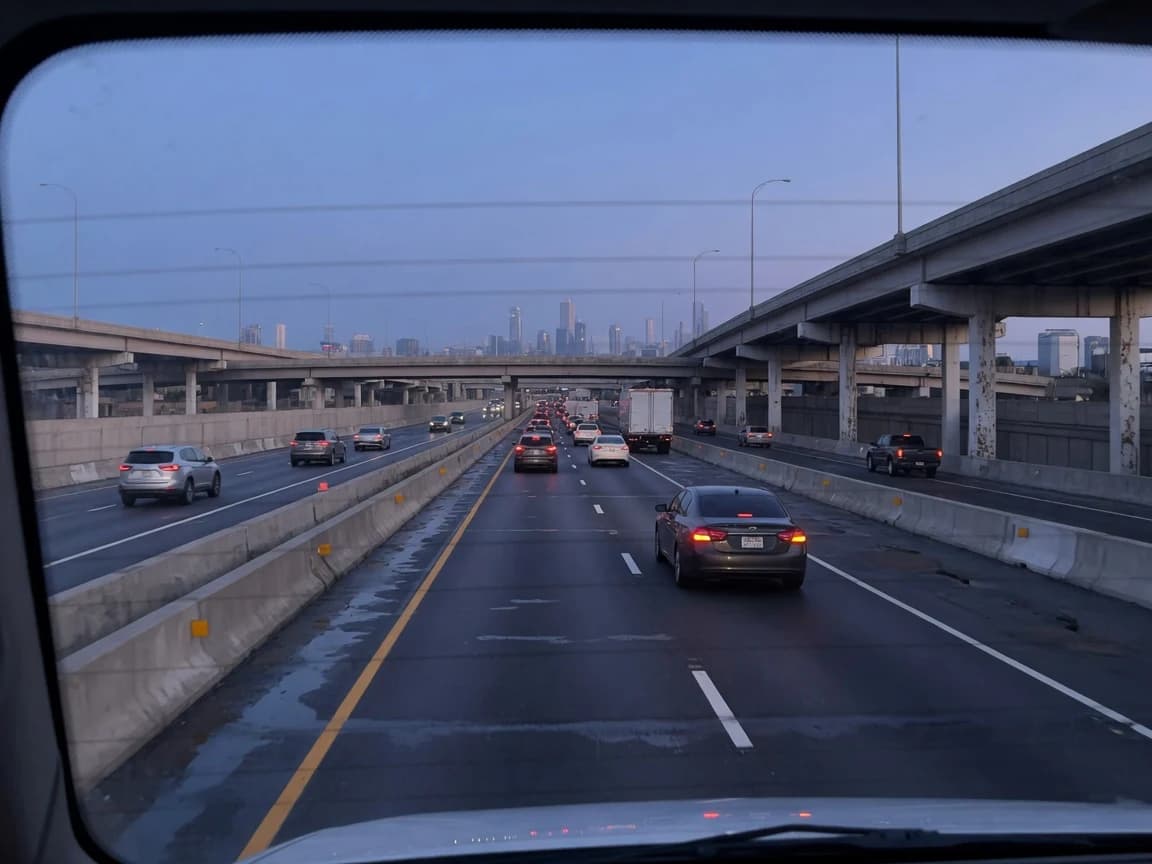
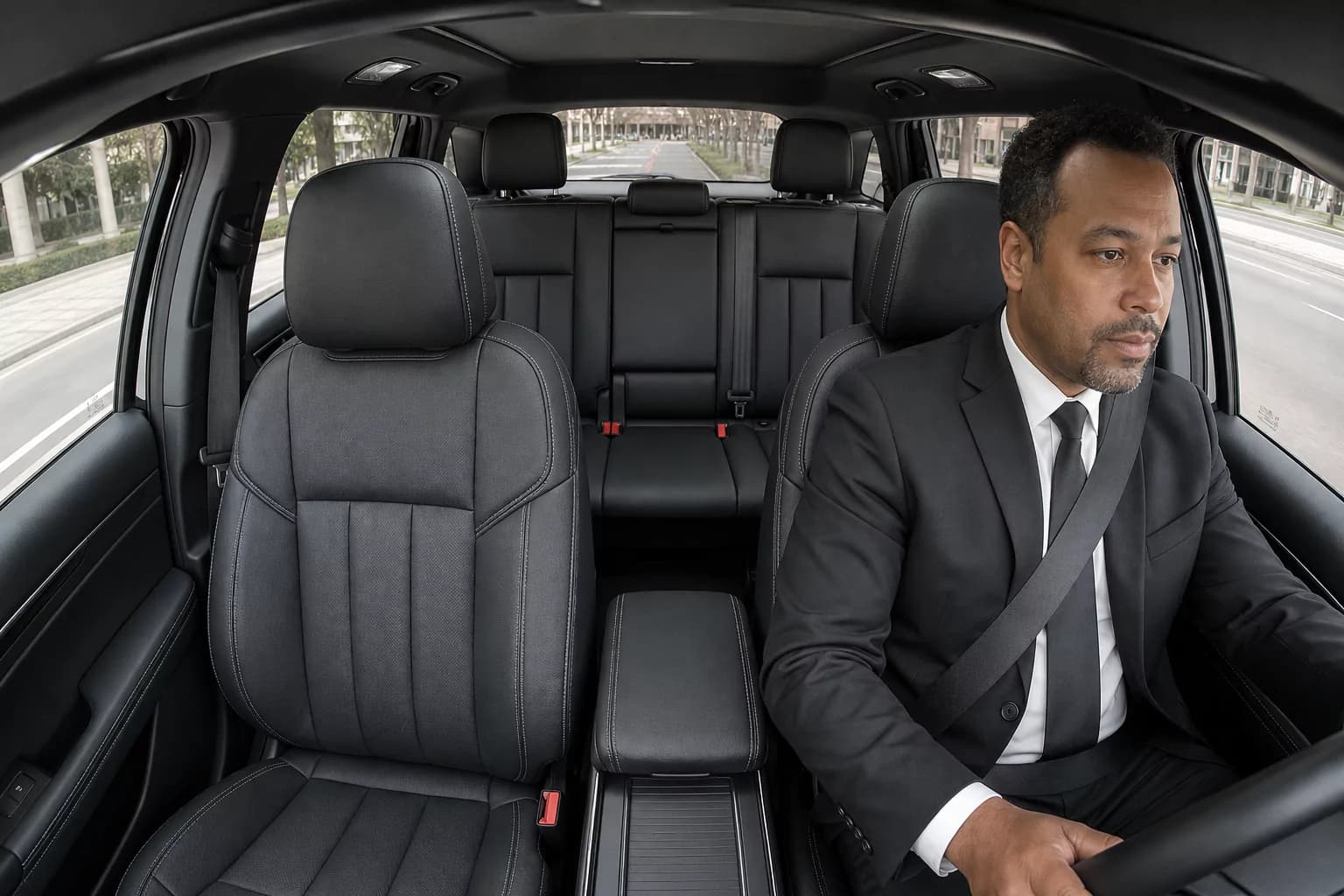
Preconfigure it, or register it to the vehicle yourself
InstaRoute can configure each device before shipping. The operator can also enter its serial number, select the vehicle, and register it through the InstaRoute process.
The footage stays where the trip lives
Safety events and requested clips remain connected to the vehicle, driver, and reservation. Managers can find evidence from the trip instead of searching by date and time in a separate portal.
Coach the behavior before it becomes a claim
AI safety events flag distraction, drowsiness, seatbelt use, harsh driving, and collisions. Each event carries the vehicle, driver, trip, and footage context needed for review and coaching.
The camera also strengthens the live fleet map
Dedicated vehicle GPS feeds location and movement into InstaMap. The same vehicle record connects live tracking, safety events, and footage.
 CHI0308Feeds InstaMap · live
Questions about the cameras.
What does InstaCam cost and what is included?
InstaCam combines GPS, road and cabin video, and AI safety events in one system that connects directly to dispatch. See the pricing page for current rates and what is included.
Who installs the camera and GPS hardware?
InstaRoute can configure each device before shipping. The operator can also enter its serial number, select the vehicle, and register it through the InstaRoute process.
Can devices be preconfigured or registered later?
Yes. A device can be configured before shipping, or the operator can register it later by entering its serial number and selecting the vehicle.
What safety events does AI identify?
AI safety events flag distraction, drowsiness, seatbelt use, harsh driving, and collisions, each carrying the vehicle, driver, trip, and footage context needed for review and coaching.
How do managers find and request footage?
Safety events and requested clips remain connected to the vehicle, driver, and reservation, so managers find evidence from the trip instead of searching by date and time in a separate portal.
How does footage connect to the trip?
Every camera and GPS unit is tied to its vehicle, and the vehicle is tied to the trip. Footage stays connected to the vehicle, driver, and trip instead of living in a separate camera system.
Put the proof beside the trip.
See a safety event appear with the vehicle, driver, map location, and reservation, then retrieve the footage from the same process.